
Book Instantly - Call Now!
+1-833-288-5542Book Instantly - Call Now!
+1-833-288-5542ANA is Japan’s leading airline, operating both domestic and international flights. The airline allows passengers to complete online check-in starting 24 hours before departure for both international and domestic routes, making the travel process more convenient and efficient.
Using online check-in gives you more flexibility, helps reduce wait times at the airport, and often allows better seat selection. All Nippon Airways has continued to improve its check-in and baggage systems to meet modern travel needs. For example, on many international routes, Economy Class passengers may have a checked baggage allowance ranging from 0 to 2 pieces, depending on the fare type.
Understanding how online check-in works, knowing the difference between international and domestic check-in, and being aware of baggage rules are key to enjoying a smooth and stress-free journey with ANA.
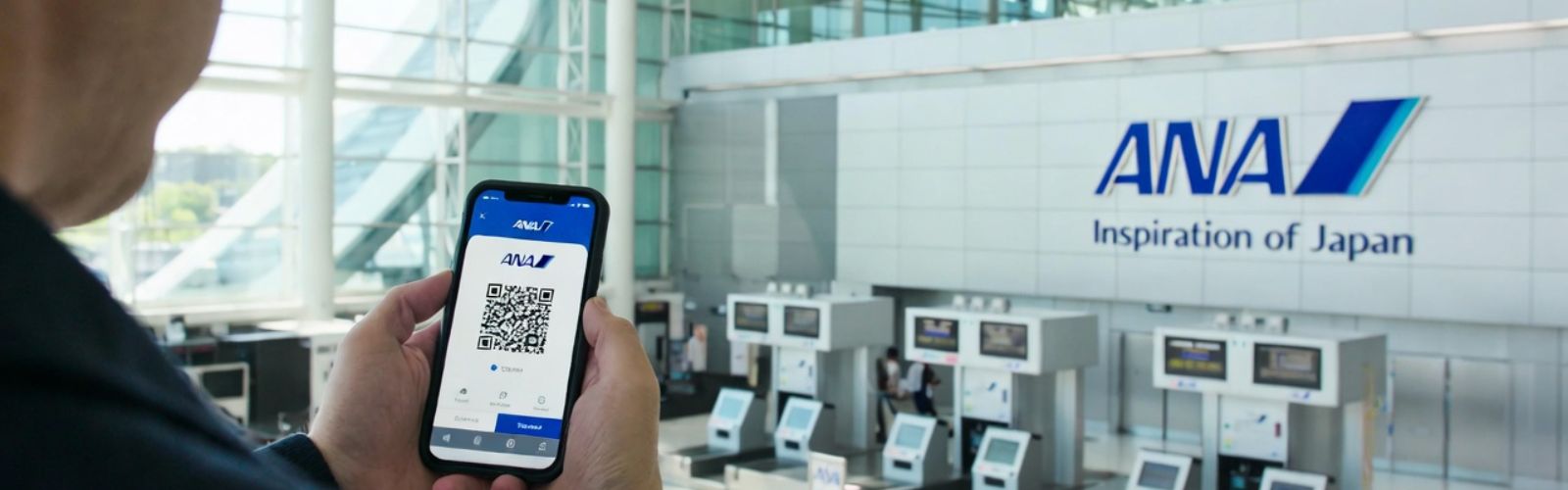
Online check-in lets you confirm your reservation, choose or change your seat (if allowed), and get your boarding pass ahead of time via the official website or the mobile app. Then you can print your boarding pass or save it on your phone.
This helps you skip part of the airport check-in process, especially useful if you are not checking any baggage.
International flights: Online check-in opens 24 hours before departure and closes 75 minutes before the flight.
Japan domestic flights: Online check-in is also available from 24 hours before departure until 20 minutes before the flight, for eligible bookings.
Note: Some fares, group bookings, or passengers who need special assistance may not be able to use online check-in.
Upgrade your travel experience with All Nippon Airways Business Class and enjoy lie flat seats, premium dining, and exclusive lounge access on international flights.
Within 24 hours of departure, visit the online check‑in page or use the mobile app.
Enter your reservation number, e‑ticket number, or e‑mail details to find your booking.
Choose or confirm your seat, enter any required travel document or passport information (for international flights), and obtain your boarding pass.
If you prefer a mobile boarding pass, you can save it to your smartphone, including Apple Wallet for iOS users.
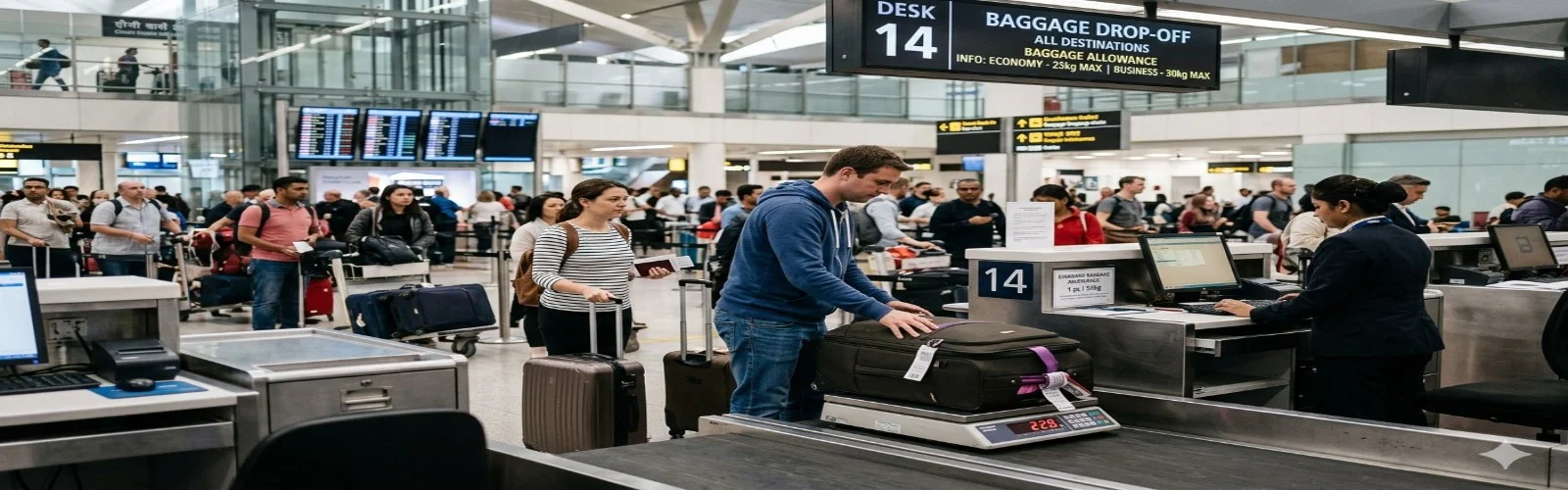
If you are checking baggage, you still need to go to the airport baggage drop or counter after completing online check-in.
It saves time at the airport.
You can pick your seat earlier.
You can go straight to the baggage drop or security.
It gives you more convenience and control over your trip.
Always remember that online check-in is available for flights operated by ANA Group, but not for codeshare flights operated by another airline.
If your trip includes a Japan domestic flight before your international flight, online check-in may open only 24 hours before the international departure.
Some passengers cannot use online check-in, such as:
Those travelling on codeshare flights operated by another carrier.
Passengers with a medical certificate.
Travellers who require special handling.
When you arrive at the airport:
Show your mobile or printed boarding pass.
If you have baggage to check in, you must drop it at least 60 minutes before departure (for international flights from Japan).
Arrive at the gate at least 10 minutes before departure.
Make sure your passport details are entered correctly.
If you are checking overweight or oversized baggage, check the fees in advance.
For connecting flights, especially when connecting from domestic to international, confirm if your baggage will be checked through.
Arrive early because immigration and security may take extra time.
Plan your journey better by checking the All Nippon Airways seat options and choose the most comfortable spot before your flight.
For flights within Japan, online check‑in opens 24 hours before departure.
You can complete the process through the mobile app or the official website and get a mobile boarding pass.
Online check-in may not be available for certain discounted fares, group bookings, flights operated by regional carriers, or for passengers who require special assistance.
If you check in online and do not have baggage, you can go straight to security and then to the boarding gate without visiting a counter.
If you cannot check in online:
You can use self‑service check‑in machines at the airport or go to a check‑in counter.
For checked baggage on domestic flights, you must use the ANA baggage drop or a counter, and finish this early enough to clear security at least 20 minutes before departure.
Check-in counter opening times vary by airport and flight, so review the specific airport information beforehand.
If you have baggage, drop it early to avoid delays.
Keep your mobile or printed boarding pass ready.
Arrive with extra time, especially during peak travel periods.
Note: Some regional carriers or code‑share segments may have different procedures.
You will find clear baggage guidelines for both international and domestic flights on ANA, and these rules vary depending on your travel class and fare type. Here’s a simple breakdown to help you understand what you can check in.
Economy and Premium Economy: You can take up to 23 kg per piece with a total size not exceeding 158 cm (L+W+H).
Business and First Class: In this class, you can check in bags up to 32 kg per piece, with the same size limit of 158 cm.
Depending on your fare, Economy Class may include 0–2 checked bags.
Special items, such as bicycles, surfboards, and sports equipment, may be accepted within your allowance or may require an extra fee.
On certain domestic routes, ANA uses weight-based allowances. For example, Economy Class may include up to 20 kg.
The number of pieces can vary depending on your fare and route.
Always check the baggage rules for your specific flight.
For international flights, you must drop off your baggage at least 60 minutes before departure (for flights leaving Japan).
For domestic flights, arrive early for baggage drop and security, as most airports require you to be ready at least 20 minutes before departure after dropping your bag.
If your baggage exceeds the weight, size, or number of pieces allowed, you will need to pay excess baggage fees.
For international flights, fees apply for overweight bags (over 23 kg or 32 kg, depending on class) or oversized bags (over 158 cm), and these charges can be significant.
Avoid last minute airport charges by reviewing the updated All Nippon Airways baggage allowance for carry on and checked luggage rules.
Always verify the reservation number or e‑ticket number, as these are required for online check‑in.
Remember that rules can vary depending on your fare type, connecting flights, code-share segments, or if you require special assistance.
You can save your time with the online check-in, but it doesn’t replace baggage drop if you’re travelling with checked baggage.
ANA supports mobile boarding passes, so make sure your phone is charged and ready to show the pass when required.
During busy seasons and holidays, it’s best to arrive earlier than usual, even if you’ve checked in online.
For connecting flights, check whether your baggage will be checked through, as some routes may require you to collect and re-check your bags.
Keep your passport, visa, and travel documents in order, as the online check-in does not replace immigration or visa checks at the airport.
Using the All Nippon Airways online check-in makes your travel faster and easier. Whether you are doing an All Nippon Airways flight check-in online or at the airport, it helps you save time. Always check your All Nippon Airways check-in baggage allowance so you don’t face any issues at the airport. Make sure to follow the rules for All Nippon Airways international check-in if you are flying abroad, and if you are flying within Japan the make sure to go through the All Nippon Airways domestic check-in.
Book your flight via FlightsQuest today and enjoy a smooth and stress-free journey with All Nippon Airways. Get better deals, 24/7 customer support, and easy booking with FlightsQuest.
The online check‑in window for international flights typically closes at 75 minutes before scheduled departure.
Yes, if you have checked baggage, after online check‑in, you must go to the baggage drop counter or self‑service baggage drop machine before the cut‑off.
Generally up to 23 kg per piece, size limit 158 cm linear, up to 2 pieces depending on fare and route.
Yes, for Japan domestic flights, online check‑in becomes available 24 hours ahead and typically until 20 minutes prior.
Yes, during All Nippon Airways online check-in, you can select or change your seat if your fare and flight allow it.
For All Nippon Airways international check-in, you must enter your passport information to complete the process.
Yes, if your itinerary includes connecting ANA flights, you can often complete check-in for all segments at the same time using online check-in.

Explore the world with FlightsQuest; book flights, hotels, car rentals, and vacation packages. Your one-stop platform for easy and reliable travel planning.
Contact Us








Special Discounted Deals On Phone Call Only :